

June 5, 2025
Smarter Part Search Just Got a Major Upgrade

Share


As fellow hardware designers, we know how disruptive this process can be. That’s why we’ve redesigned part search in Flux Copilot using advanced AI techniques, so you can stay focused on your design, not the scavenger hunt. Whether you're early in your journey or deep into system architecture, this upgrade makes intelligent part discovery accessible and reliable.
If you're new to PCB design, just figuring out what components to use can feel overwhelming. You might not know the terminology, part families, or what trade-offs actually matter. The goal of Copilot is to give you answers, not more decisions.
You don’t need to know the right keywords or select from dozens of confusing filters. Just describe the part you need, like you would to a teammate.
Prompt: "Find an off board molex connector with 2x6 pin configuration at 2.4mm pitch with current ratings of 500mA per pin in the @library."

Copilot interprets the request, runs an intelligent search, and returns a clean table with real components, complete with specs, pricing, availability, and embedded datasheets.
Block diagrams are often your first step in scoping a design. But turning those blocks into real parts usually requires a second, manual pass.
Copilot eliminates that step. If you’ve created a block diagram in Flux, you can just ask:
Prompt: "Generate a BOM from this block diagram. Use parts available in the @library"
Copilot reads the intent behind each block and recommends components that fit, and are available in the library.
When you're new, it's hard to even know what to ask for. That's why Copilot uses the context of your design, voltage rails, interfaces, or constraints you've already defined, to guide its recommendations.
This is also where Copilot’s Knowledge Base really shines. If you’ve saved your preferred components, naming conventions, or layout guidelines, Copilot can use that information automatically, so its suggestions are already aligned with how you like to design.
Prompt: "Find a STM32 IC that has over 32 GPIOs, peripherals for 2x full SDIO, 2xI2S busses, and 3 QSPI busses from the @library"

Instead of a long list of generic op-amps, you’ll get options that fit the electrical and mechanical requirements of your board, with spec highlights that make it easier to choose.
If you're an experienced designer, you already know what you're looking for. But the search process still gets in your way, especially when you’re comparing subtle trade-offs, juggling PDFs, or jumping between tools.
Copilot now lets you move from part search to placement in one continuous thread.
Looking for second sources or similar components? Copilot understands part families and common alternatives.
Prompt: "I want to add an STM32I0 from the @library to this project. Can you recommend one from that family I can use?"

You’ll get a curated set of variants from different vendors, with key spec differences called out and datasheet previews inline. You can quickly assess whether a part meets your requirements, without opening five PDFs.
Context switching kills momentum. You find a part in one tool, then you’re off hunting for its symbol, then toggling over to assign a footprint, then digging through menus just to place it in your schematic. That back-and-forth might not seem like much, but multiply it by dozens of parts, and it adds up fast.
Copilot keeps you in the flow. Once you’ve found the right part, you can take action on it right in the same conversation. Search, validate, and place, all within the same conversation.
Prompt: "I wanto add a TCPP01-M12 from the @library to help protect my circuit electrically from the USB-C connector. Can you help me find it?

You can go from idea to implementation without friction:
Prompt: "Find an MCU for a low-power IoT node."
Prompt: "Place STM32L4R9 in my schematic."
Copilot pulls context-aware results, then places your selection with the right footprint and symbol directly into your schematic. This also works for passives, modules, and more complex components.
Prompt: "Add a resistor divider for a 12V to 3.3V conversion using 1% resistors."
With one thread, you go from requirement → component → placement, all without breaking your flow .
We’ve all been there, clicking through six different datasheets just to confirm one pinout or cross-check a quiescent current value. It’s slow, tedious, and pulls you out of your design flow.
If you're down to two op-amps with nearly identical specs, Copilot can analyze their datasheets and save you 5–10 minutes per part, and help you catch subtle but important differences before committing.
Prompt: "Show me 10 V LDOs under 100 µA quiescent current for battery-powered sensors."
You'll get a table with all the essentials, and you can inspect the PDFs directly, just like you would with tabs and downloads, but without the friction.
What makes this all possible? Behind the scenes, Flux Copilot now uses a combination of two powerful AI strategies: Hybrid Retrieval-Augmented Generation (Hybrid RAG) and an agentic search planning system built specifically for part discovery.
Let’s unpack that.
Hybrid RAG is the foundation, it runs two search engines in parallel:
Copilot fuses both results and re-ranks them based on relevance, so you're more likely to get answers that are both accurate and contextually useful. You don’t need to write the perfect query. Just describe what you need, and Copilot translates it into both a keyword and a semantic search behind the scenes.
But that’s just the starting point.
Copilot doesn’t just run one query and hope for the best. It creates a search plan, executes it, evaluates the results, and adapts, iterating until it finds components that truly match your design intent.
It knows, for example:
This matters because part search isn’t just about finding “a component that works.” It’s about finding parts that fit your schematic, your layout, your budget, and your workflow. And Copilot does that autonomously, in the background, while keeping you in control.
Think of it like designing for both performance and manufacturability. Copilot doesn’t stop at meeting the spec, it helps optimize for the full stack of constraints you care about as a hardware designer.
The result is a part search engine that behaves less like a query box, and more like a teammate who’s thinking alongside you.
The new part search is live now:
As hardware designers ourselves, we built this to remove friction and help you move faster, whether you're validating a quick prototype or heading into production.
Try it out, and if you have thoughts, questions, or edge cases you want to test, we’d love to hear about them.


In this post, we’ll explore five common mistakes companies make when contracting PCB design and how you can avoid them by using tools like Flux to keep your project on track, from concept to completion.

Flux's upgraded agent is more steerable, adaptive, and faster -- letting you change course mid-run, work in a single thread from idea to board, and ship hardware designs with less friction.


Whether you're migrating from popular EDA applications or starting fresh, mastering high speed PCB design has never been more intuitive. Flux enables teams to design, simulate, and route with real-time AI assistance, so you can spin your next high-speed board with total confidence.

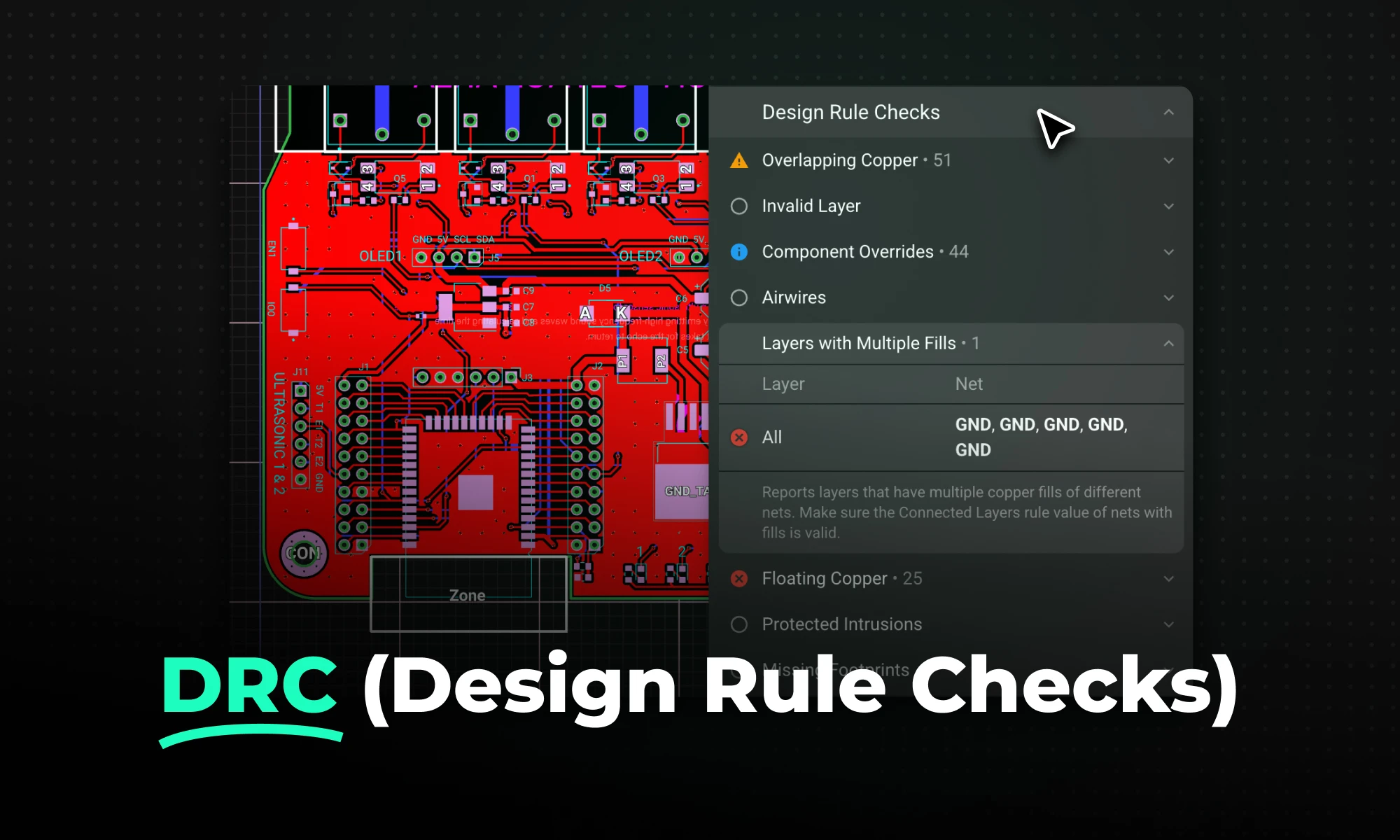
DRC is an automated process that checks your PCB layout against manufacturing and electrical constraints, catching errors like trace spacing and drill sizes before fabrication. Modern tools run this in real-time during design, while older ones batch-check at the end, often producing overwhelming error lists.

This Spring 2026 updates make hardware design faster end-to-end with a more capable, self-correcting AI agent, improved AI auto-layout that needs less cleanup, sourcing-aware design with real-time pricing and availability, and templates to start from.

This post explains key signal integrity issues like crosstalk and reflections in PCBs and offers simple layout tips to avoid them. A free guide is included.


This post will give you a deeper understanding of how Flux Copilot works, how large language models (LLMs) and agentic systems operate under the hood, and why grounding them in engineering context matters.

Now, Flux Copilot can learn how you work—your design principles, part selection preferences, schematic style guidelines, and testing workflows—and remember them automatically.


