

August 7, 2025
Meet the Arduino Nano R4: Why Is This Tiny Upgrade So Big for Makers?

Share


The Arduino Nano R4 is a significant upgrade to Arduino’s popular Nano line, powered by the Renesas RA4M1 microcontroller. Imagine taking the powerful brains of the Arduino UNO R4 and shrinking them into a tiny, versatile form. With a 48 MHz Arm Cortex-M4F core, 256 KB of flash storage, and integrated EEPROM, the Nano R4 provides remarkable performance in a miniature footprint.
Regardless of whether you're prototyping, building IoT projects, or designing space-conscious hardware, the Nano R4 is designed to streamline your workflow and empower your creativity.

The Nano R4 offers exciting new features, making it one of Arduino’s most attractive small boards ever released:
Browse the shield templates below, each pre-aligned with headers, that let hardware engineers move from concept to working prototype in record time. Choose a template, customize it to your needs, and start building.
A curated collection of PCB and hardware projects crafted by our talented Flux community.
Arduino Nano R4 keeps the classic Nano pin layout, so headers, shields, and breadboard wiring stay the same. Yes, just remap the pin numbers to match the Nano R4 layout. The Nano breakout connectors pinout is shown below:

Nano R4 packs high-end functionality previously reserved for larger Arduino boards into a sleek, ultra-compact form factor. This allows makers to design more sophisticated, compact IoT and wearable projects without compromising power or features.
Already using Arduino’s popular UNO R4 boards? The Nano R4 offers complete compatibility with UNO R4’s software ecosystem, meaning your existing libraries, sketches, and workflows transfer smoothly to your Nano-sized projects.
The castellated headers and single-sided components ensure easy and cost-effective manufacturing—perfect for makers looking to transition prototypes into commercial products quickly and affordably.
The integrated Qwiic connector and additional I²C lines allow effortless integration of sensors, displays, and other peripherals. Add the RTC and RGB LED, and you have a remarkably versatile board ready for endless applications.
The Nano R4 meets a variety of needs:
Compared to older Nano models (Nano Every or Nano 33), the Nano R4 offers substantial performance and memory improvements:
The Nano R4 brings many of the features previously only available in higher-end Arduino boards into a Nano-sized form factor.
If you're currently using older Nano boards or even an Arduino UNO, here are quick reasons to make the jump to Nano R4:
The Arduino Nano R4 is available in two variations:
Both versions are available directly from Arduino's online store and major electronics distributors.
Arduino’s Nano R4 sets a new standard for compact, powerful, and production-friendly microcontroller boards. Whether you’re prototyping the next big IoT device or scaling your prototype for production, the Nano R4 offers the power and flexibility you need.
Visit our Featured Projects page to discover innovative Arduino builds and spark inspiration for your next big idea.
A curated collection of PCB and hardware projects crafted by our talented Flux community.

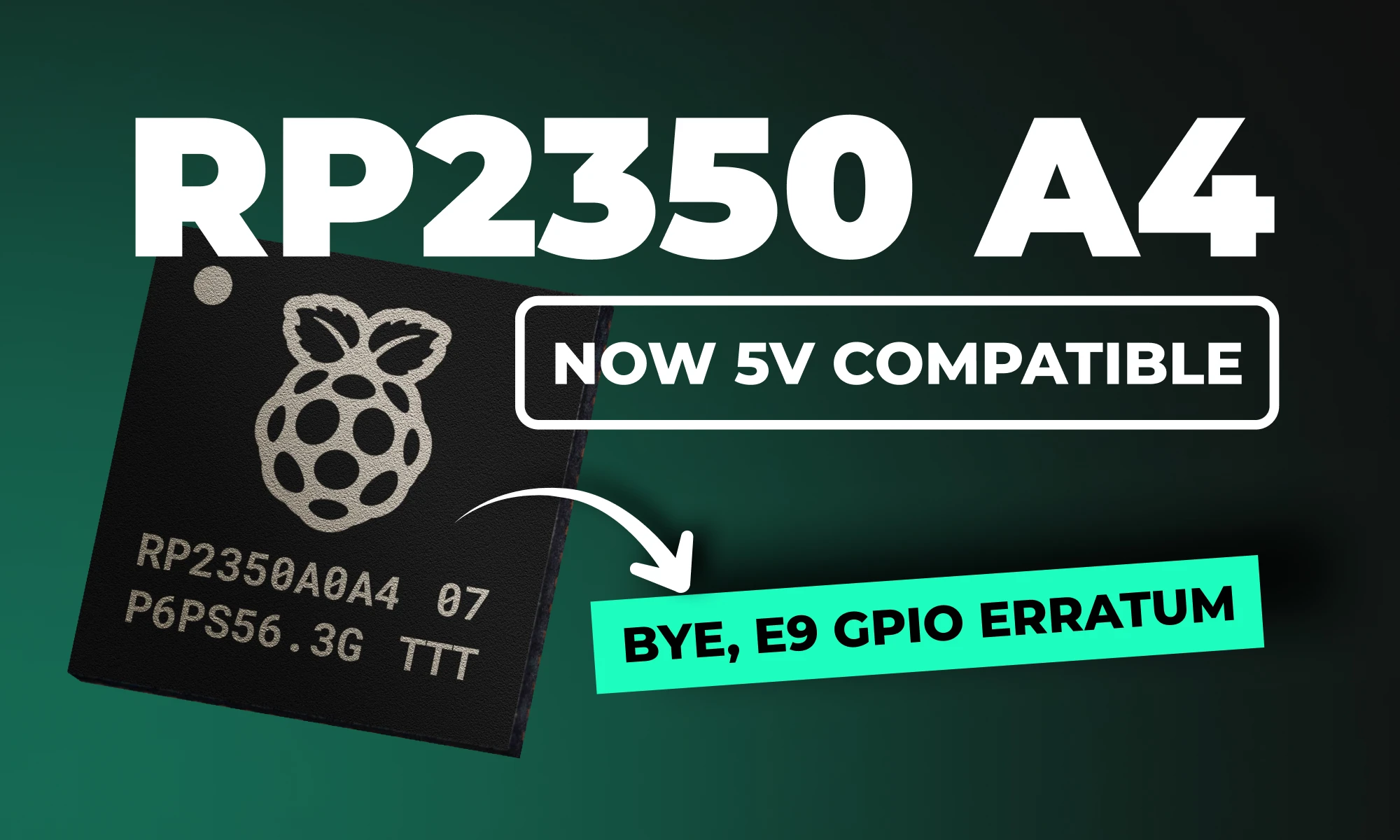
RP2350 A4 fixes GPIO bug, hardens security, adds 5 V tolerance and on-chip flash. See why every Pico project should migrate.

Learn about STM32 microcontrollers, popular series, USB OTG, SWD, UART, and development tools. Find the right STM32 MCU and kickstart your projects.

Looking for a comprehensive guide to ESP8266 pinout? Check out our article that covers everything you need to know about the ESP8266's pins, including digital, analog, and PWM pins. Perfect for beginners and experts alike, our guide will help you understand the ESP8266's pinout and how to use it in your projects.

Looking for a comprehensive guide to ESP32 pinout? Check out our article that covers everything you need to know about the ESP32's pins, including digital, analog, PWM, and Strapping pins. Perfect for beginners and experts alike, our guide will help you understand the ESP32's pinout and how to use it in your projects.
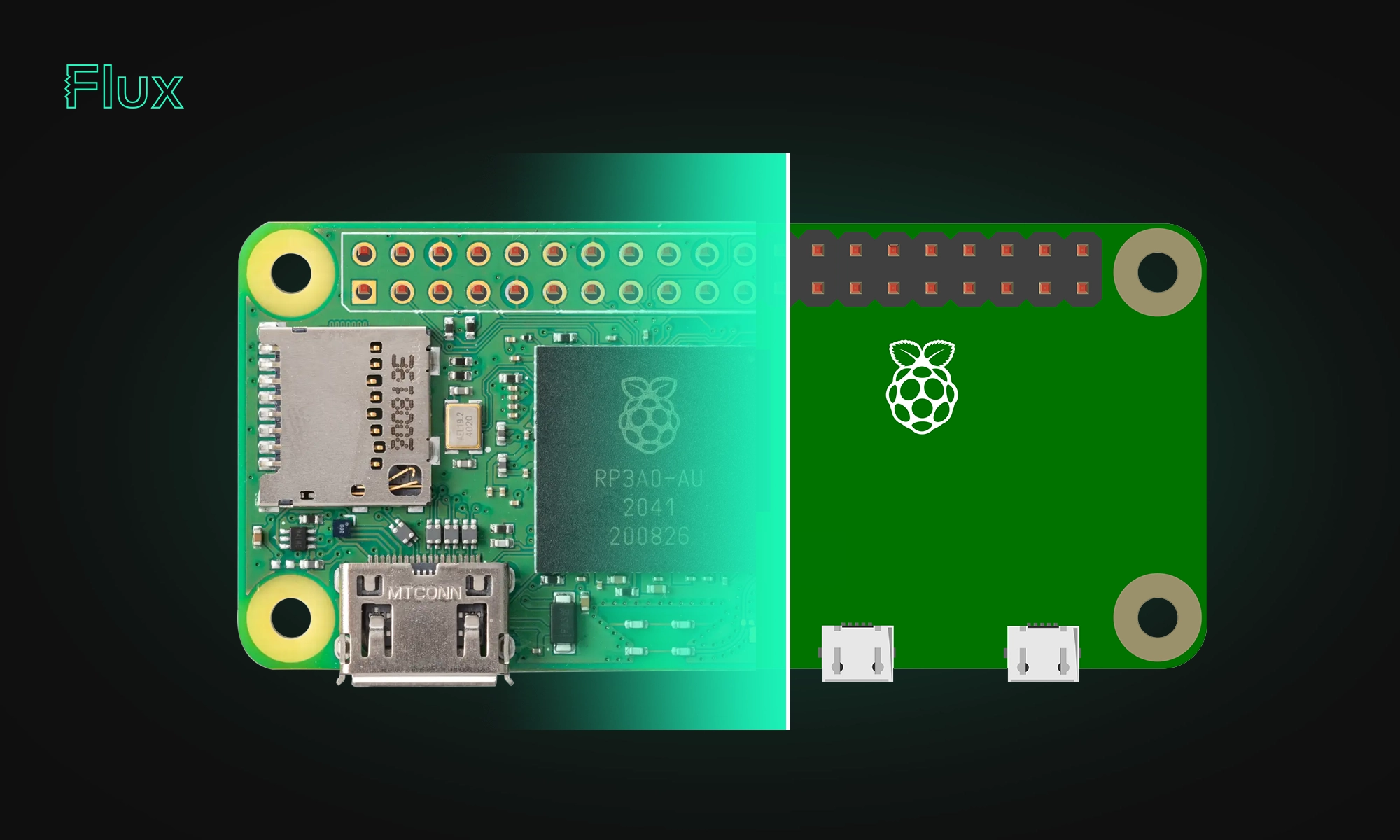
The Raspberry Pi Zero 2 W is a small and powerful computer with impressive performance for its size and price. With a quad-core processor, 512MB of RAM, built-in wireless connectivity, and a USB On-The-Go port, it's suitable for many projects, including home automation, media centers, and robotics.
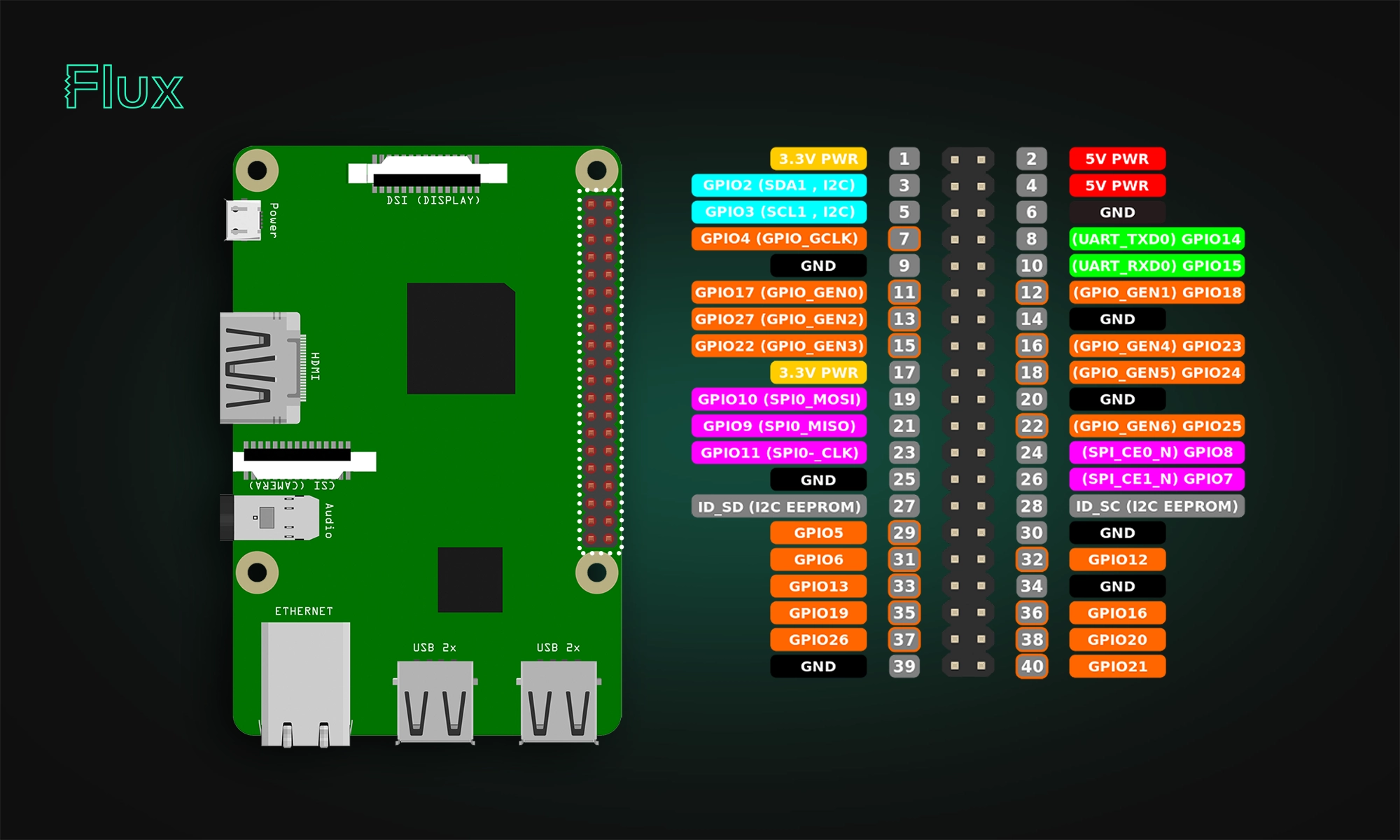
In this article, we will provide a comprehensive guide to the Raspberry Pi pinout diagram, including a description of each pin and its functions.


DRC is an automated process that checks your PCB layout against manufacturing and electrical constraints, catching errors like trace spacing and drill sizes before fabrication. Modern tools run this in real-time during design, while older ones batch-check at the end, often producing overwhelming error lists.


Mastering multilayer PCB design is key for complex electronics. Use strategic stackup (Signal-Ground-Power-Signal), perpendicular routing, and solid ground/power planes to ensure signal integrity, reduce EMI, and support high-density components for applications like IoT and robotics.


