

February 12, 2026
10x Faster & Self-correcting: Feb 2026 Update

Share


That usage showed us exactly where to focus: speed, correctness, and reliability. So we rebuilt the agent from the ground up with a new architecture, execution model, and verification system.
Login to try the updated agent today! Here's what changed.
The agent now does a better job checking its own work as it goes by, continuously running ERC and DRC checks against the design, catching floating pins, missing connections, and rule violations in real time. The result: cleaner schematics on the first run, fewer manual fixes, and fewer wasted credits.
The agent no longer follows a fixed plan from start to finish. It evaluates progress after each step and course-corrects along the way. If it hits a conflict or finds a better path, it updates its plan and keeps going.
Ask it to drop in a single component, and it stays lean and fast. Give it a full power management system, and it will work through the complexity iteratively until the design passes its checks. That means more complete, more correct results across a wider range of tasks.
All of this happens in parallel. The new agent places components, routes connections, and verifies results at the same time, collapsing what used to be a long sequential pipeline into a fraction of the time.
Complex jobs that previously took 30+ minutes now finish in under 5. You spend less time waiting and more time iterating on your design. Faster completion and fewer retries also mean your credits go further. And we've done all of this without raising prices.
We ran the same prompts on the old and new agents. The results speak for themselves.
Speed varies by complexity. Simple tasks like adding a component finish quickly. Larger operations like generating a full power management system take longer, but are still dramatically faster than before.
We also shipped several improvements alongside the new agent, all focused on the same goal: helping you build hardware faster.
This release focused on speed and correctness, but we're not stopping here. Up next: even better verification loops, more tools for organizing complex projects, continued schematic legibility improvements, and further Auto-Layout upgrades. Lots more to come.
Log in and run a prompt you've tried before. You'll feel the difference immediately.


This Flux update brings a public MCP server for external AI agents, Chat mode and voice dictation, a more careful agent, sharper placement and routing, and a faster Schematic and PCB editor.


Flux's upgraded agent is more steerable, adaptive, and faster -- letting you change course mid-run, work in a single thread from idea to board, and ship hardware designs with less friction.

Whether you're migrating from popular EDA applications or starting fresh, mastering high speed PCB design has never been more intuitive. Flux enables teams to design, simulate, and route with real-time AI assistance, so you can spin your next high-speed board with total confidence.

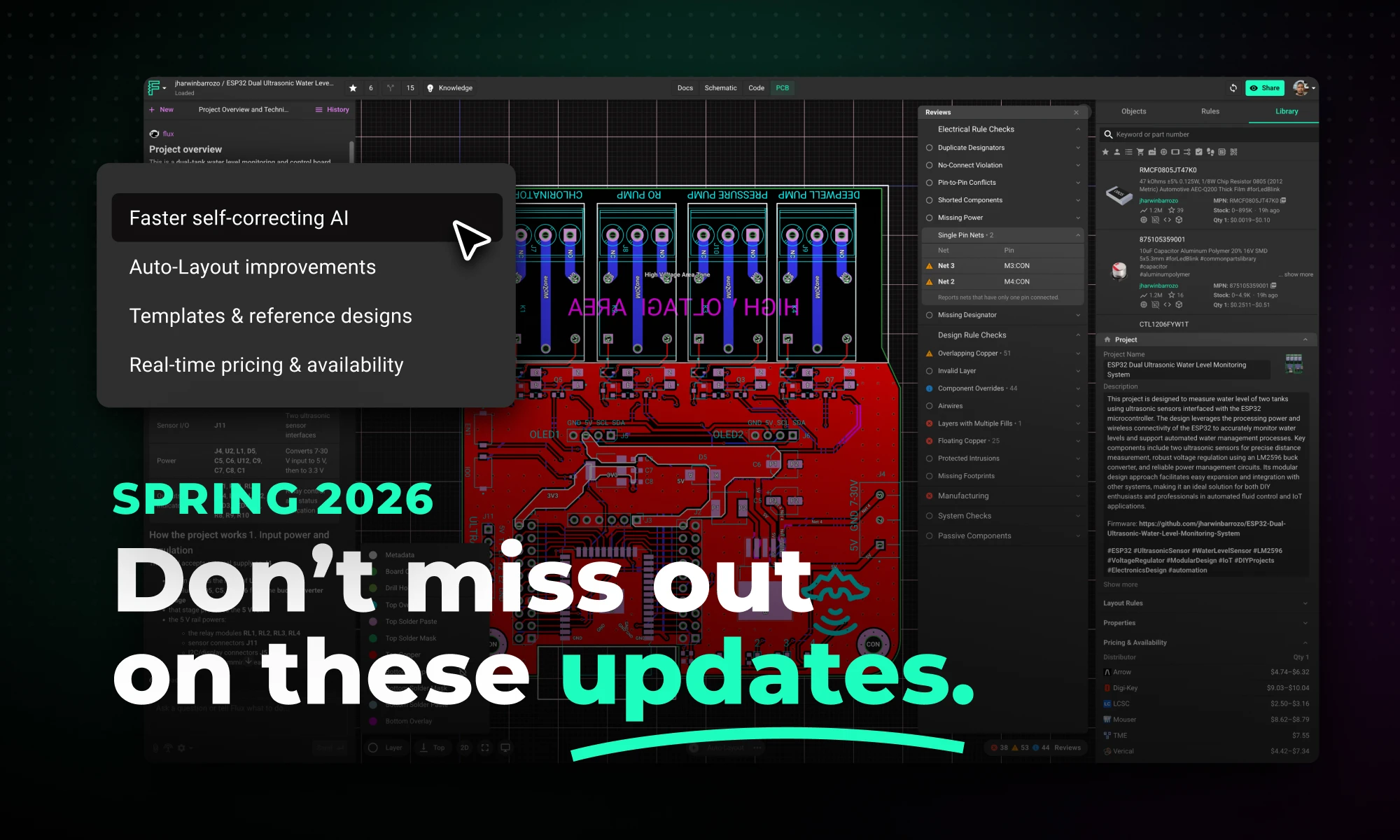
This Spring 2026 updates make hardware design faster end-to-end with a more capable, self-correcting AI agent, improved AI auto-layout that needs less cleanup, sourcing-aware design with real-time pricing and availability, and templates to start from.


This blog compares AI capabilities across Flux.ai, Altium, KiCad, and EasyEDA to answer engineers’ highest-intent questions about modern PCB design. It explains why Flux.ai currently delivers the strongest end-to-end AI workflow in the ECAD space.


Strategies for sourcing electronic components, managing BOMs, navigating lead times, and planning for component lifecycles to build a resilient hardware supply chain.

A practical guide to Design for Manufacturing (DFM) that helps hardware teams transition from validated prototypes to scalable, production-ready products.

Practical PCB layout and design strategies to reduce EMI and improve the chances of passing FCC and CE compliance testing on the first attempt.


